This Privacy Policy governs how Firecode Labs, LLC ("Firecode Labs", "we", or "our"), the operator of the Propelo iOS app and the website (together referred to as "the Service"), collects, uses, maintains, and discloses information from users ("you" or "users"). It applies to all products and services offered by Firecode Labs.
1. Information Collection
When you sign in using your Google account or Apple ID, we collect your Google ID or Apple user identifier (as applicable), which serves as your unique user ID, along with your email address and display name. If you use Sign in with Apple and choose to hide your email, we receive an Apple-generated relay address instead.
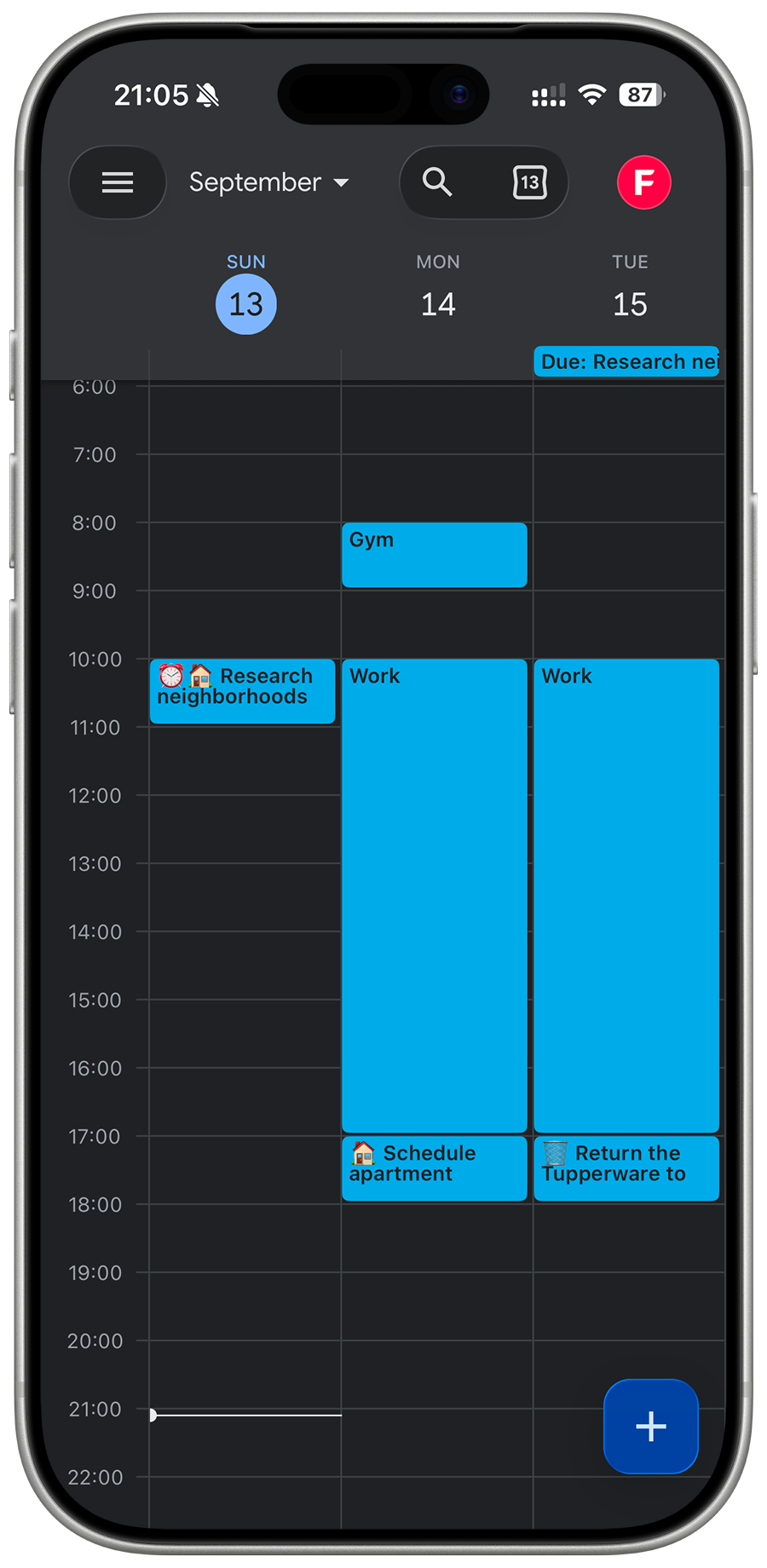
If you choose to grant calendar access, we read your Google Calendar events to determine your availability and schedule Propelo-created events. We do not store full calendar event contents for product use. We do store calendar sync metadata needed to maintain synchronization, such as Google event IDs and scheduled timestamps associated with your tasks. Limited operational logs may also include calendar or task metadata for debugging and security purposes. We only store your timezone. To deliver the Service’s features, we store any tasks, goals, and related data you create, including due dates, scheduling preferences, and the number of tasks you’d like per day. These are used to power features like automatic task planning and calendar syncing.
In order to support paid features, we store Apple subscription records including identifiers and status timestamps, such as original transaction ID, product ID, environment, and purchase, expiration, and revocation dates.
For authentication and account linkage, we store your Google ID and, if you've enabled sync, your Google access and refresh tokens (Google OAuth). Google OAuth tokens used for calendar sync are stored server-side.
Propelo also issues its own session tokens (access/refresh) for authenticated API requests. These Propelo session tokens are stored locally in Keychain, with app-storage fallback in rare failure cases to maintain login state and are refreshed and cleared on logout or account deletion.
If you opt in to analytics, we use Mixpanel, a third-party analytics service. Mixpanel assigns a randomly generated pseudonymous ID to your device for analytics purposes. This ID is not linked to your account, name, or email address, and is used solely to understand general usage patterns and improve the Service.
Crash logs and diagnostics are captured via Google Cloud Logging and retained according to Google Cloud's default log retention policy (currently 30 days). We do not store crash or diagnostic data independently of Google Cloud infrastructure. For details, see Google Cloud's data retention documentation.
If you choose to delete your account, we may collect optional qualitative feedback and a satisfaction rating you voluntarily provide during the deletion flow. This is used solely to improve the Service.
If you contact us via the website or email, we will collect your name, email address, and the contents of your message. This is used solely to respond to your inquiry and provide user support.
When a task becomes your top task and does not already have an Action, its task text is automatically sent to the OpenAI API to generate an Action. Task text is not sent before the task becomes your top task or if an Action has already been written for it. We do not send your name, email address, Propelo user ID, calendar data, or other account information with this request, and we do not link the request to your identity. The task text itself may contain personal information if you choose to include it.
2. Information Usage
We use your personal information to create and manage your account, deliver core functionality, and ensure that your tasks, calendar events, and preferences are securely synced and stored. Your account identifiers (Google ID and/or Apple user identifier) allow us to authenticate you and keep your account consistent across sessions and devices. Your task and goal data power the primary features of the Service, including scheduling, goal tracking, and productivity insights, while your Google Calendar data allows us to accurately position tasks in your real-world availability.
We use pseudonymous and anonymous analytics data through Mixpanel in the iOS app and Google Analytics on the website to measure usage trends and improve performance. We request your consent for Mixpanel analytics in the app regardless of your location; it remains disabled until you opt in and can be revoked at any time from app settings. Website visitors in the European Economic Area, United Kingdom, and Switzerland are asked before Google Analytics is enabled. Elsewhere, Google Analytics is enabled by default, but it can be disabled at any time through the website’s Analytics settings. We never sell analytics data or use it for third-party advertising.
If we contact you, it will be in relation to support, product updates, and security issues. If you have explicitly opted in, we might send promotional communications about Propelo. You may opt out of marketing emails at any time via the unsubscribe link in the email footer.
We use task text sent to OpenAI only to generate an Action when an eligible task becomes your top task. The generated Action is returned to Propelo and stored as part of your task data.
3. Information Storage and Security
All user data is stored in secure databases hosted on Google Cloud Platform. Our infrastructure is designed with strict access control, encrypted data storage (both in transit and at rest), and audit logging to prevent unauthorized access. Authentication is handled using secure OAuth protocols (including Google Identity and Sign in with Apple). Google OAuth tokens are stored server-side. Propelo session tokens are stored locally in Keychain, with app-storage fallback in rare failure cases, to maintain login state, and are cleared on logout or account deletion. Data at rest is protected by Google Cloud SQL infrastructure-level encryption.
We retain account, profile, task, and goal data until you delete it or delete your account. When you delete your account, your user account and profile-linked product data are deleted from active service use, and session tokens are cleared from your device. We retain certain records where needed for billing integrity, fraud and security prevention, auditability, and legal compliance, including: (a) Apple subscription records, which may be retained with user linkage removed; (b) Apple server notification event logs, which may include notification payload data; (c) optional account deletion feedback records you voluntarily submitted; (d) infrastructure and application logs retained under our providers' default retention settings; and (e) anonymous Mixpanel device identifiers, which are randomly generated and never linked to your account or personal information. Google OAuth and service tokens are stored server-side for connected features and are rotated, replaced, or deleted when no longer needed or upon revocation.
Retained records may include pseudonymous identifiers, such as a randomly generated internal account reference and Apple transaction identifiers, that allow us to reconcile related subscription and financial records. We may use these records to verify purchases, renewals, refunds, and revocations; investigate fraud or security incidents; maintain accurate billing and audit records; comply with legal obligations; and establish, exercise, or defend legal claims. We restrict these records to those purposes and retain them only for as long as reasonably necessary or legally required.
Primary application data is hosted in the us-central1 region of Google Cloud Platform. Third-party service providers such as Cloudflare, Mixpanel, Mailchimp, OpenAI, and Postmark may process certain data in other regions, subject to their own data protection safeguards and our agreements with them.
4. Legal Basis for Data Processing
For users in the European Economic Area (EEA), our processing of your data is based on one of the following legal grounds: performance of a contract (e.g., creating and maintaining your account), your explicit consent (e.g., for calendar sync or analytics), compliance with legal obligations (e.g., fraud detection or breach notifications), and our legitimate interest (e.g., to maintain platform security and usability). If we rely on consent, you may withdraw it at any time through the app’s settings or by contacting us.
5. Compliance
General Data Protection Regulation (GDPR): We comply with the principles and requirements set forth in the GDPR concerning the collection, use, retention, and protection of personal data. The text of the regulation can be viewed at: https://gdpr.eu/.
California Consumer Privacy Act (CCPA): We also adhere to the rights and obligations outlined in the CCPA, providing California residents with control over their personal information.
6. Data Sharing and Third-Party Services
We do not sell or trade personal information. We share data with service providers acting on our instructions only to provide the Service. For hosting, authentication, and database services, we use Google Cloud Platform. Postmark handles transactional email delivery and receives only your email address and name. When analytics is enabled under the controls described in this policy, pseudonymous data is shared with Mixpanel (iOS app) or Google Analytics (website) to measure user engagement. For real-time performance and security at the network level, we use Cloudflare, which may process your IP address at the edge for firewall, DDoS, caching, and the regional decision that determines whether website analytics consent is required. The browser receives only that decision, and Propelo does not store your country from this check. Mailchimp (by Intuit) handles marketing email delivery for users who have opted in to promotional communications, and receives your email address and name for this purpose only. Apple Inc. provides authentication services for Sign in with Apple and manages App Store subscriptions.
OpenAI processes a task's text to generate an Action only when the task becomes your top task and does not already have an Action. We do not include information identifying your Propelo account with the request. OpenAI states that data sent through its API is not used to train or improve its models unless the API customer explicitly opts in. OpenAI may retain task text, generated Actions, and related metadata according to its then-current API data controls and Privacy Policy, which may be updated from time to time.
To our knowledge, these providers operate in a manner consistent with GDPR and CCPA requirements at the time of this writing. Google Cloud, Postmark, Mixpanel, Cloudflare, and Mailchimp operate under signed Data Processing Agreements (DPAs). Apple's data handling is governed by Apple's Developer Program agreements. These providers process personal data only to provide the services we request, to the extent governed by our agreements with them.
7. User Rights and Controls
You have full control over your personal information. At any time, you may request access to the personal data we store about you, correct inaccurate or outdated information, or request a full export of your data in a machine-readable format. You may also delete your account and associated active service data by deleting your account through the app or by contacting us, subject to the limited retention described above. For users covered under GDPR or CCPA, we fully honor the rights granted by those laws, including the right to object to processing, withdraw consent, or request that your data not be shared with any third parties beyond what’s required to operate the Service.
To exercise any of these rights, you can email us at contact@firecodelabs.com. We will respond to verified privacy requests within the time required by applicable law. For California requests under CCPA/CPRA, we generally respond within 45 days and may extend by an additional 45 days when reasonably necessary, with notice to you.
8. Google API and Calendar Policy
The Service’s use and transfer of information received from Google APIs complies with the Google API Services User Data Policy (https://developers.google.com/terms/api-services-user-data-policy), including the Limited Use requirements. We never use your Google Calendar data for advertising, resell, or analysis beyond the intended feature of task scheduling.
9. Analytics, Cookies, and Regional Consent
The Service uses analytics tools to understand general usage patterns. Mixpanel analytics in the iOS app remains disabled until you opt in and can be revoked at any time from app settings. Google Analytics may use first-party analytics cookies to distinguish visits and sessions on the website. For visitors in the European Economic Area, United Kingdom, and Switzerland, Google Analytics remains completely unloaded unless the visitor selects Allow analytics. Outside those regions, Google Analytics is enabled by default. Any website visitor can disable or re-enable it through the Analytics settings link in the footer. The website stores the visitor’s analytics choice locally so it does not ask again on every page; this record contains only the choice, format version, and time it was saved. We keep Google advertising storage, advertising user data, advertising personalization, Google Signals, and ad-personalization signals disabled, and we do not use analytics for advertising or behavioral profiling.
10. Data Breach Policy
If we become aware of a data breach affecting personal information, we will investigate promptly and notify affected users without undue delay when required by law.
For users in the EEA/UK, where required, we will also notify the relevant supervisory authority within applicable legal timelines (including GDPR’s 72-hour requirement where applicable).
11. Children’s Privacy
The Service is intended only for users who are eligible to create a Google account and are at least 13 (or the minimum age required in your jurisdiction). We do not knowingly collect personal information from children under the age of 13. If we become aware that such data has been collected, we will promptly delete it from our records.
12. Policy Updates
We may update this Privacy Policy from time to time to reflect legal, technical, or operational changes. Any significant updates will be communicated to users via email. Continued use indicates acknowledgment of the updated policy.
13. Contact
If you have any questions about this Privacy Policy or your data, or if you would like to make a request under GDPR or CCPA, you can contact us at:
Firecode Labs, LLC
contact@firecodelabs.com